

Tell it where. It plans the stops
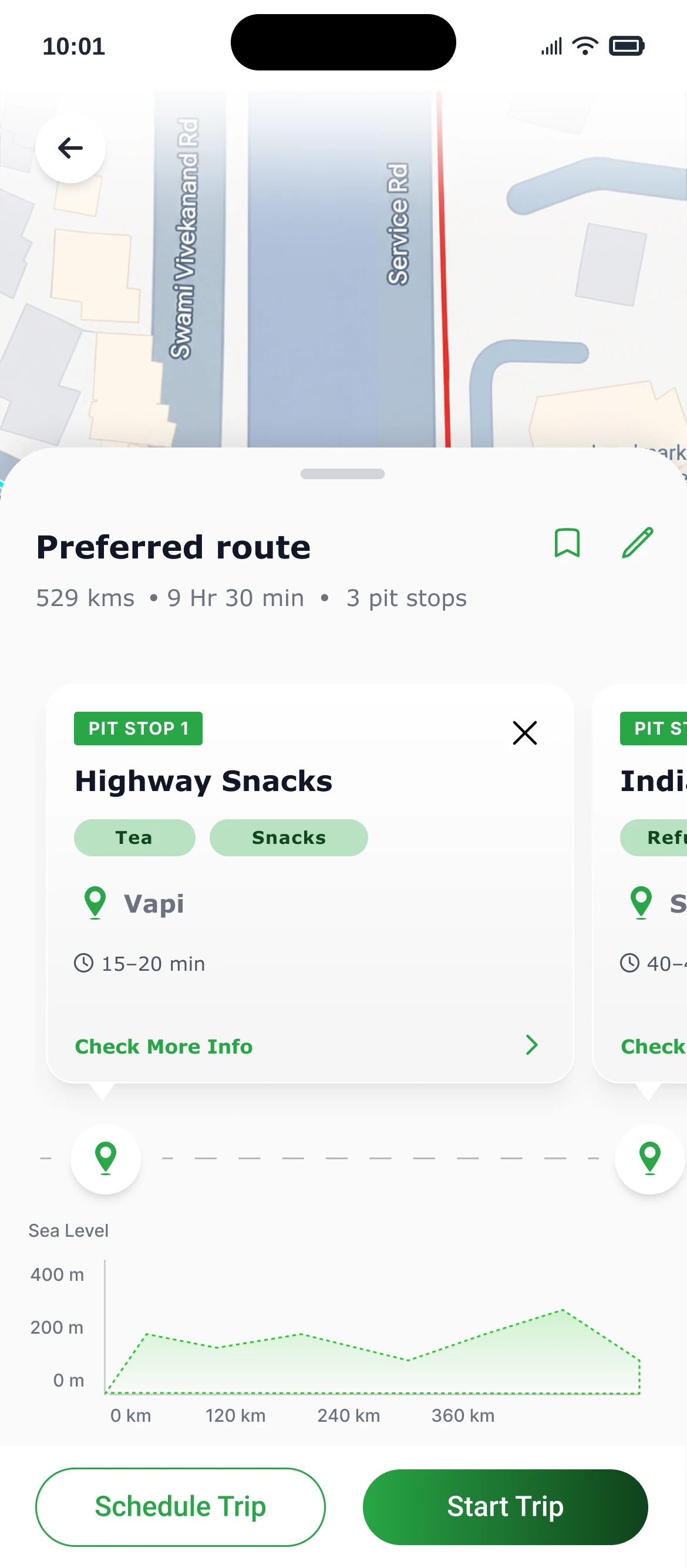
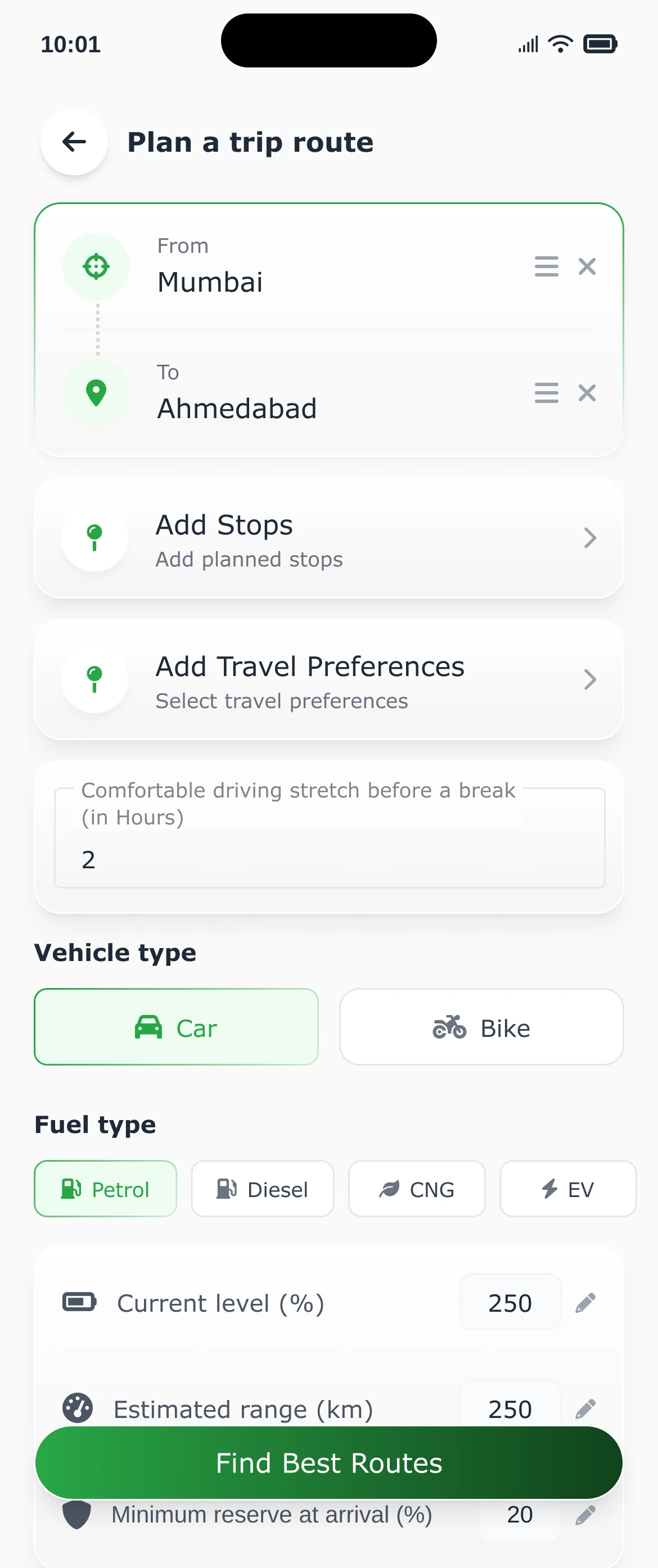
Set your route, your vehicle and your fuel. Choose how long you like to drive before a break, and Pitstop Pro builds the journey around you.
Pitstop Pro plans your drive around the places worth stopping at: good food, fuel, clean washrooms and the odd detour worth taking. Tuned to your vehicle and everyone in the car.
 Pitstop Pro makes the middle of the journey worth it
Long drives are won or lost at the stops. So we built a road-trip app that plans those first, then keeps an eye out while you drive.
Set your route, your vehicle and your fuel. Choose how long you like to drive before a break, and Pitstop Pro builds the journey around you.
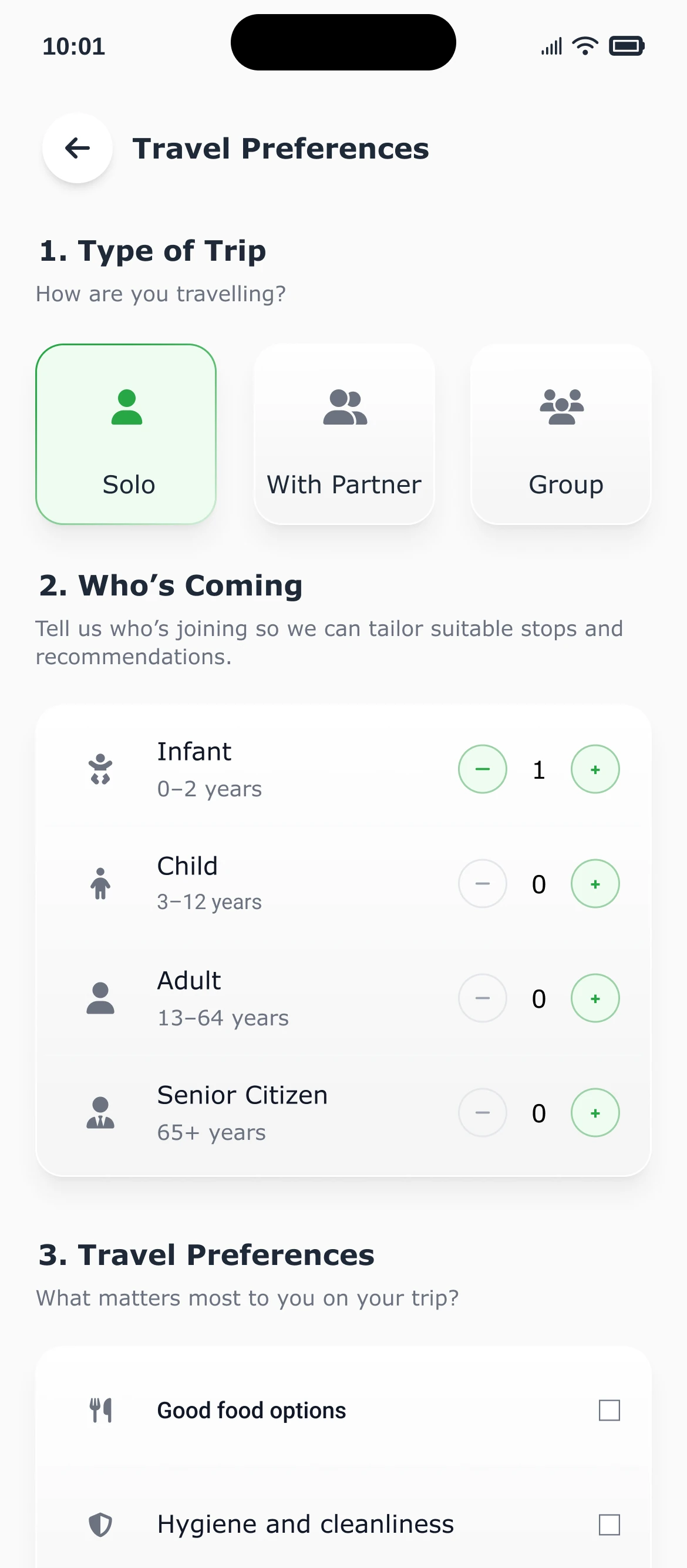
Solo, with a partner or in a group? Add infants, kids, adults and seniors, then pick what matters: good food, clean facilities, local experiences, scenic spots, historic sites. The stops follow.
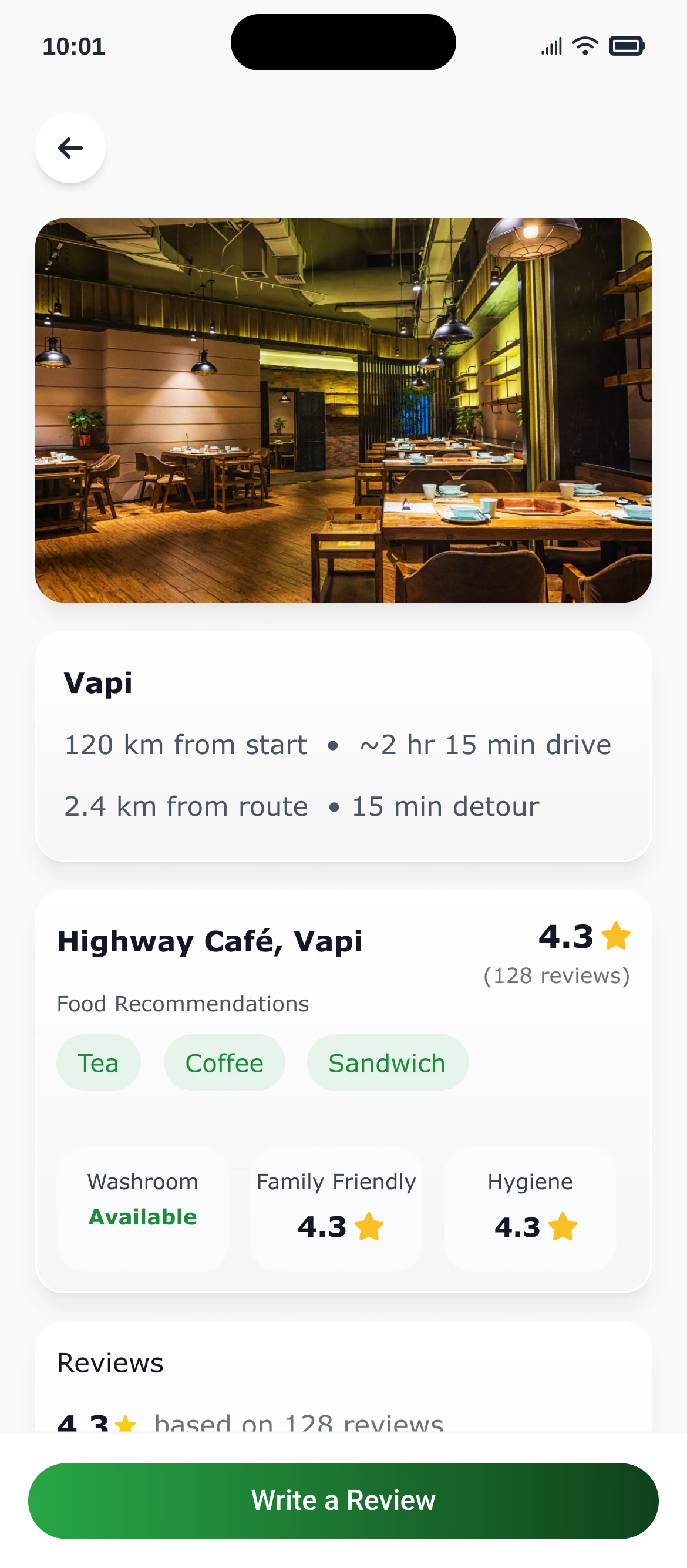
Preview the route and its pit stops: how far off your route each one is, what there is to eat, and how other drivers rate it.
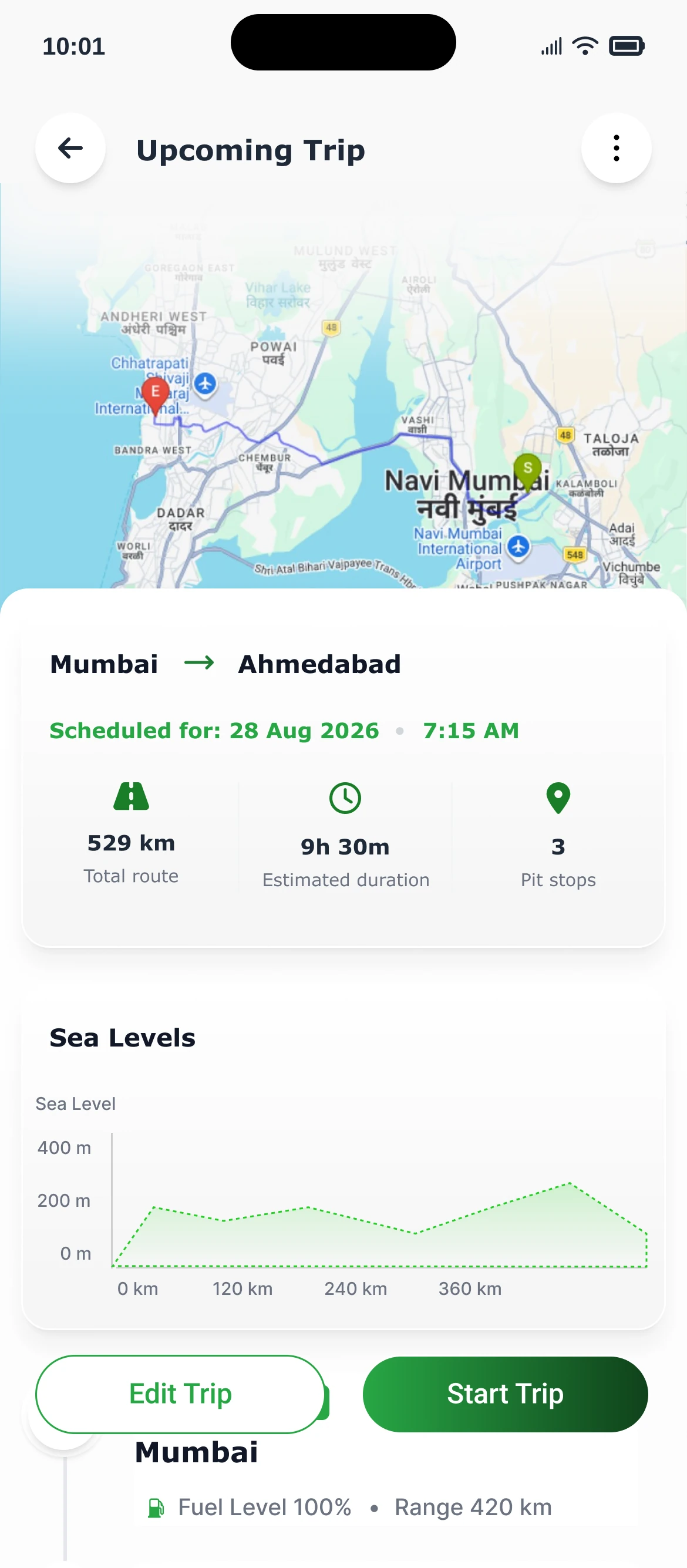
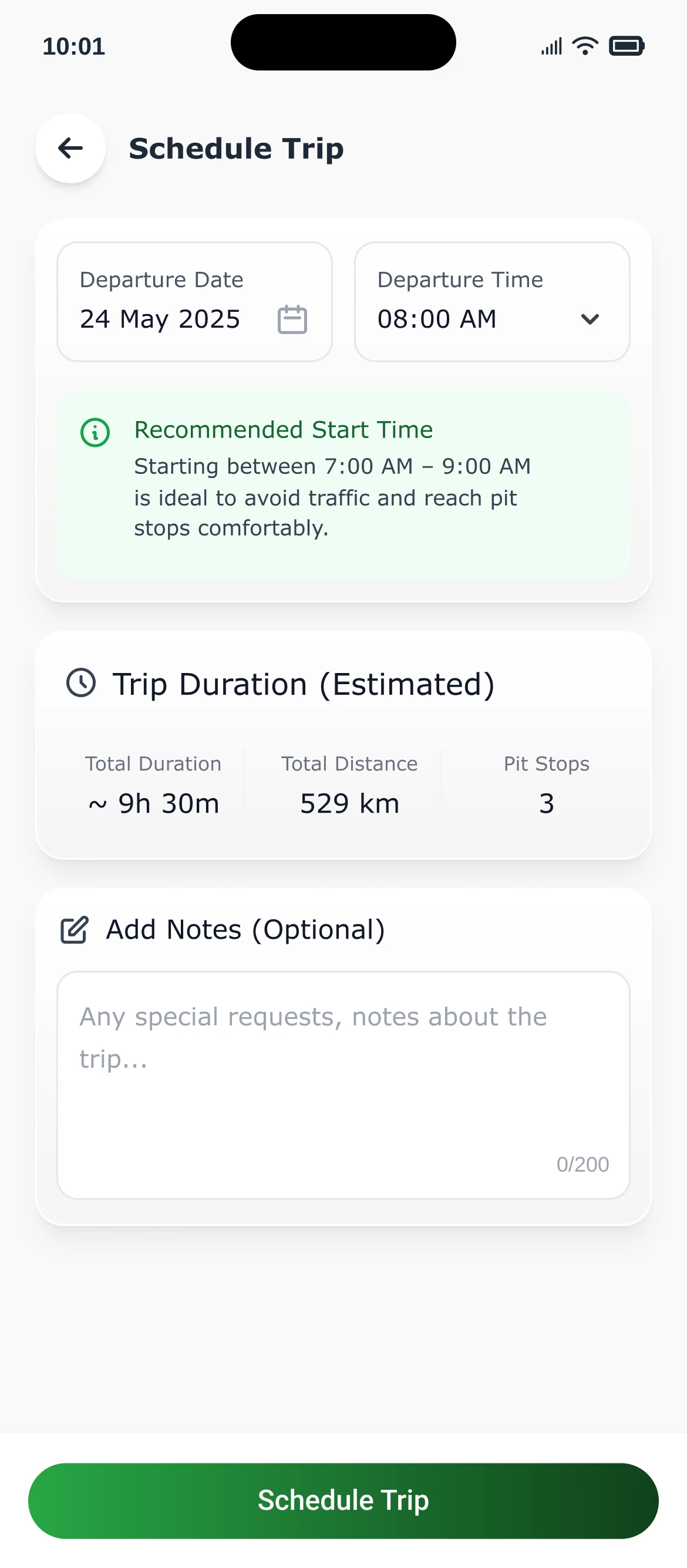
Schedule the trip ahead. Pitstop Pro suggests a start window that dodges traffic and lands you at your stops comfortably.
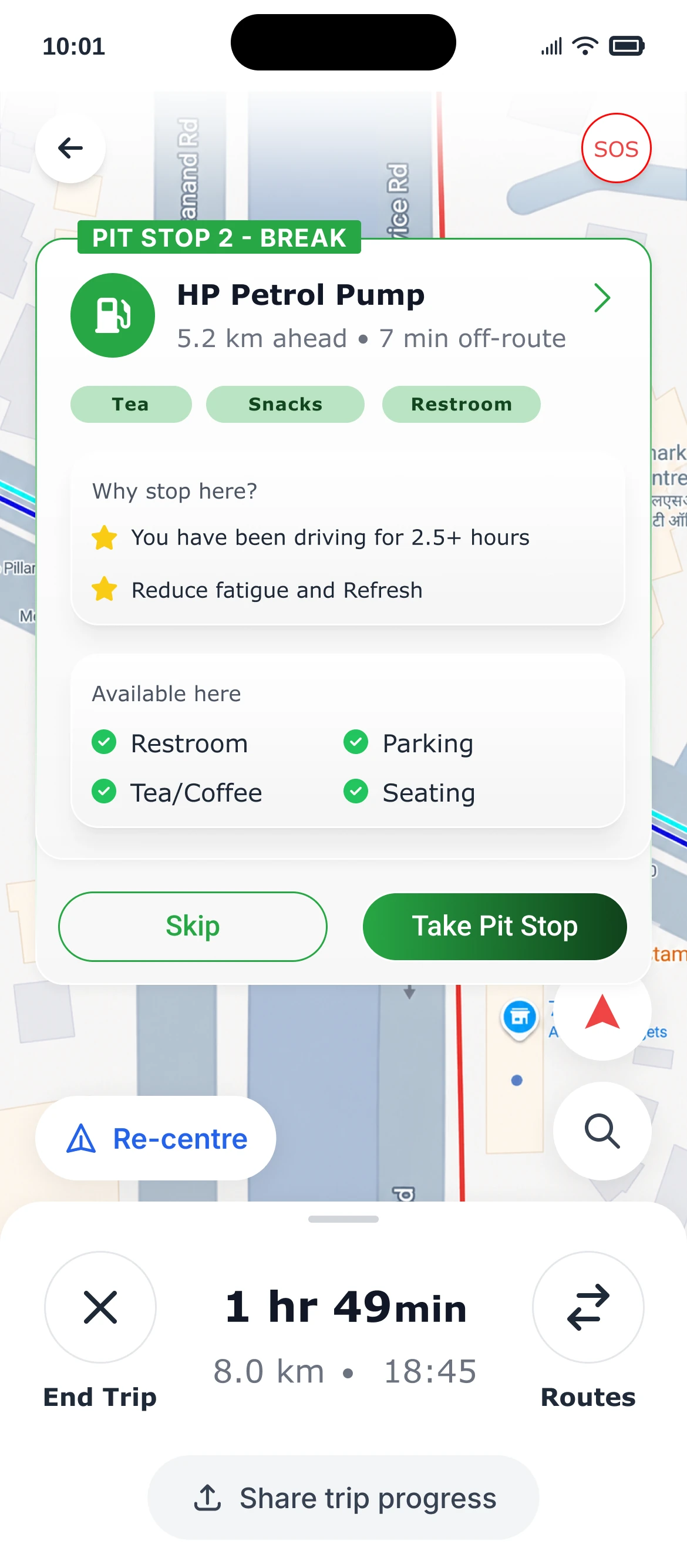
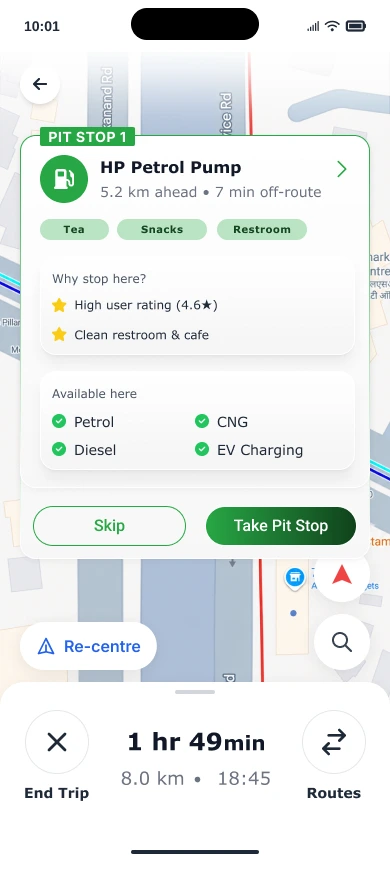
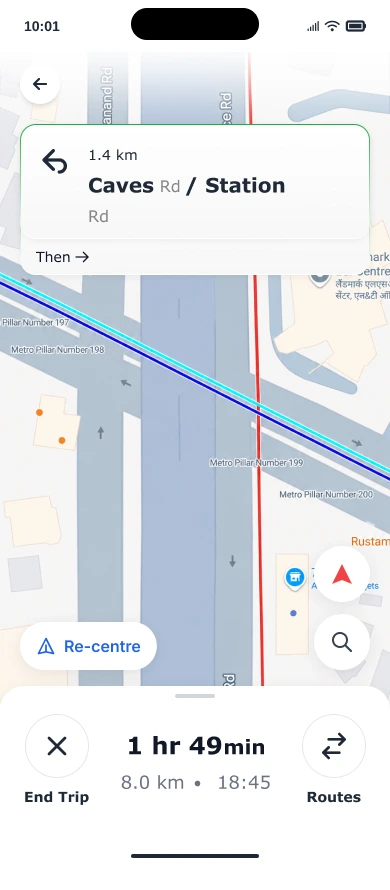
Turn-by-turn navigation, with pit stops offered at the right moment. See why it's worth stopping and what's available, then take it or skip it in one tap.
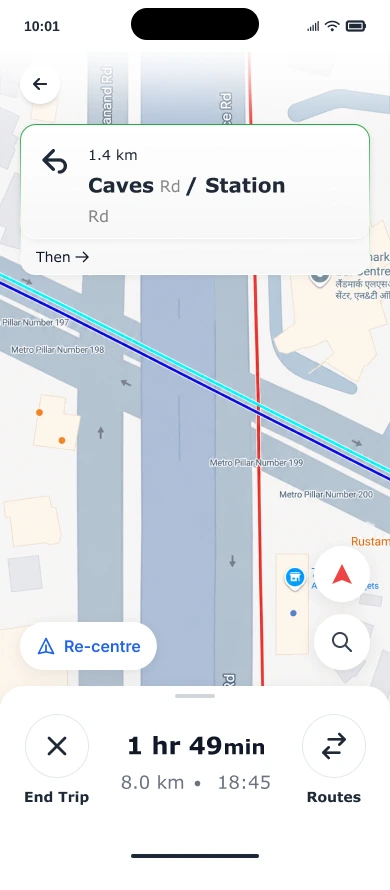
Clear directions with your route and stops built in.
Why it is worth stopping and what is there, before you pull over.
After a long stretch of driving, a break stop with seating, parking and tea or coffee.
Switch to another route, re-centre the map, or end the trip whenever you need to.
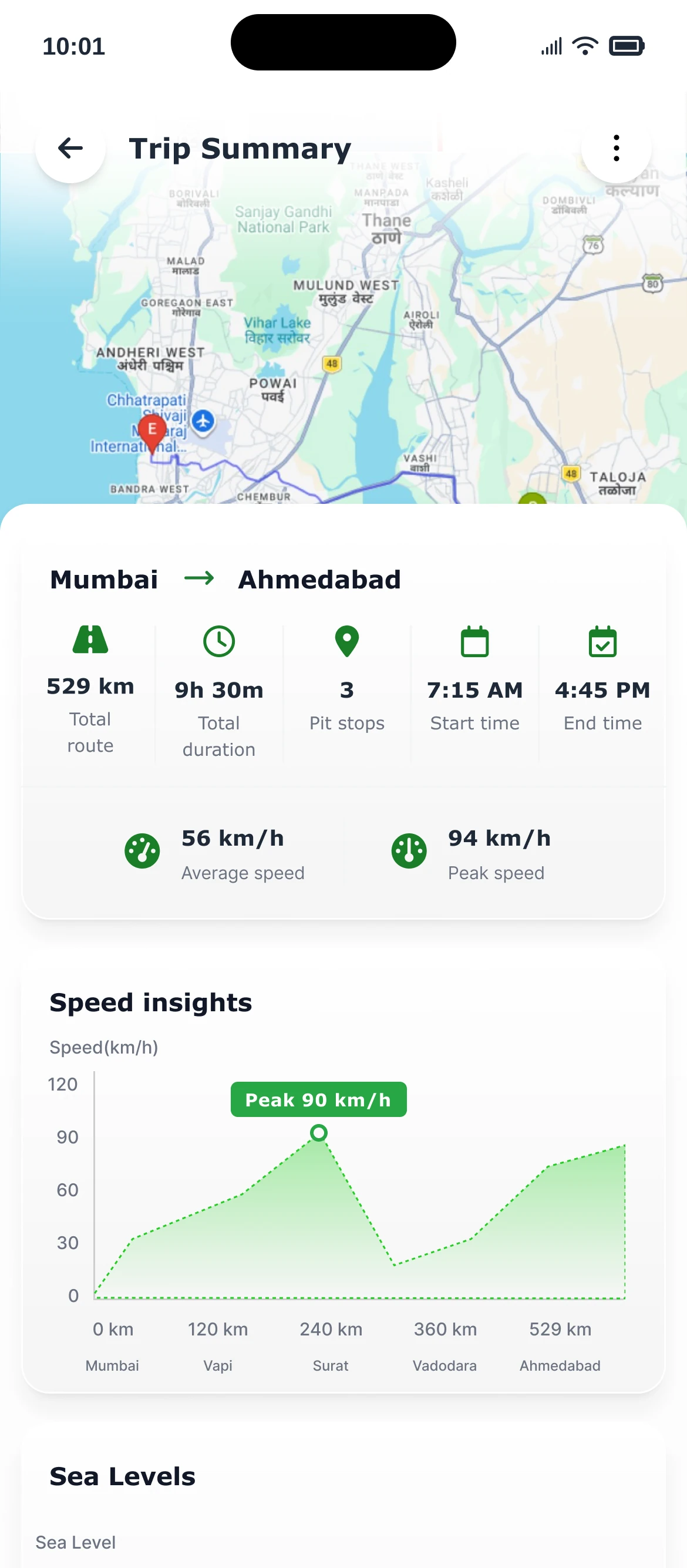
Every trip ends with a summary: the route, your pit stops, time on the road, speed and elevation. Download the summary to keep it.
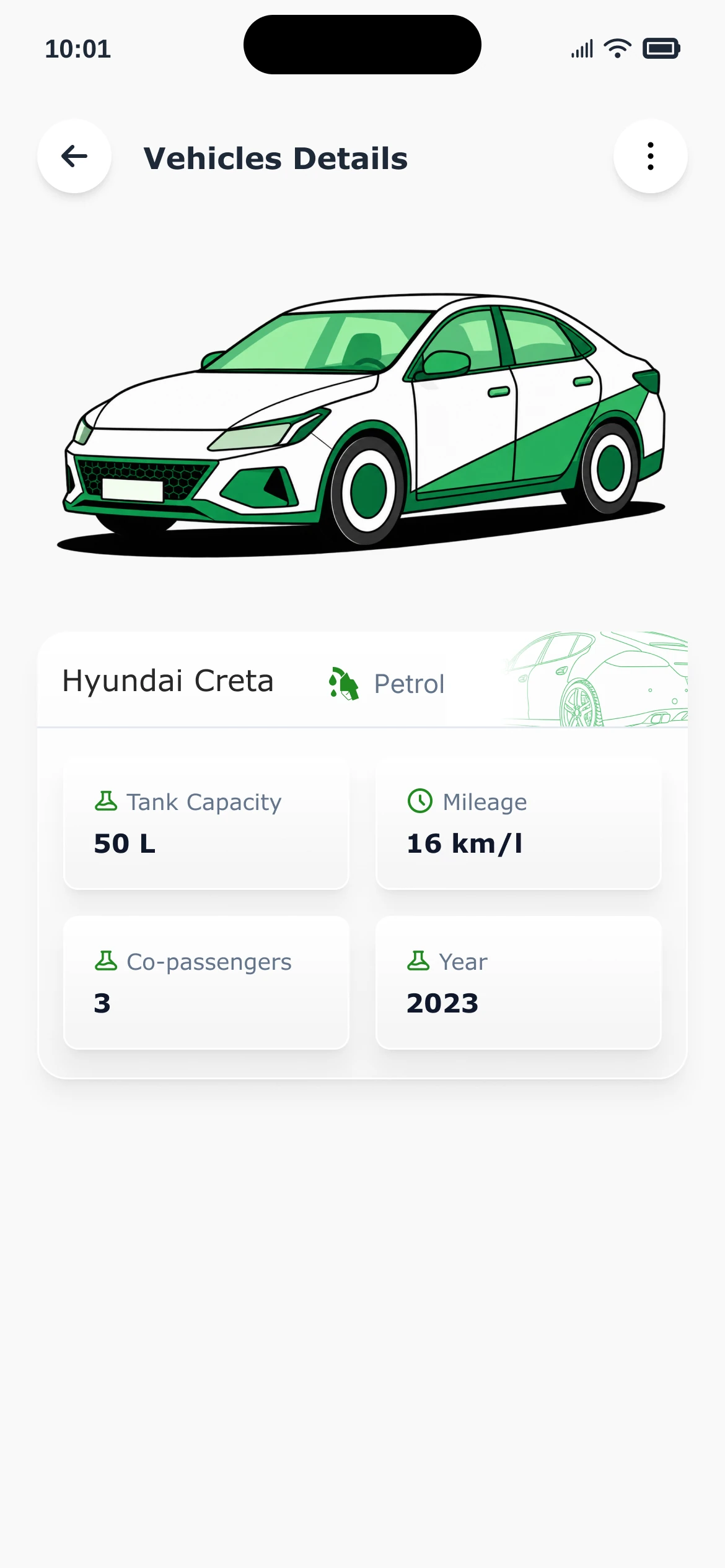
Save the vehicles you own, with fuel type, tank size and mileage, and plan each trip around the one you're taking.
Pick a departure date and time. Pitstop Pro suggests a start window that avoids traffic and reaches your pit stops comfortably, with the estimated duration and distance.
Follow turn-by-turn directions with the next turn, the time and distance left, and pit stops that come up as you drive.
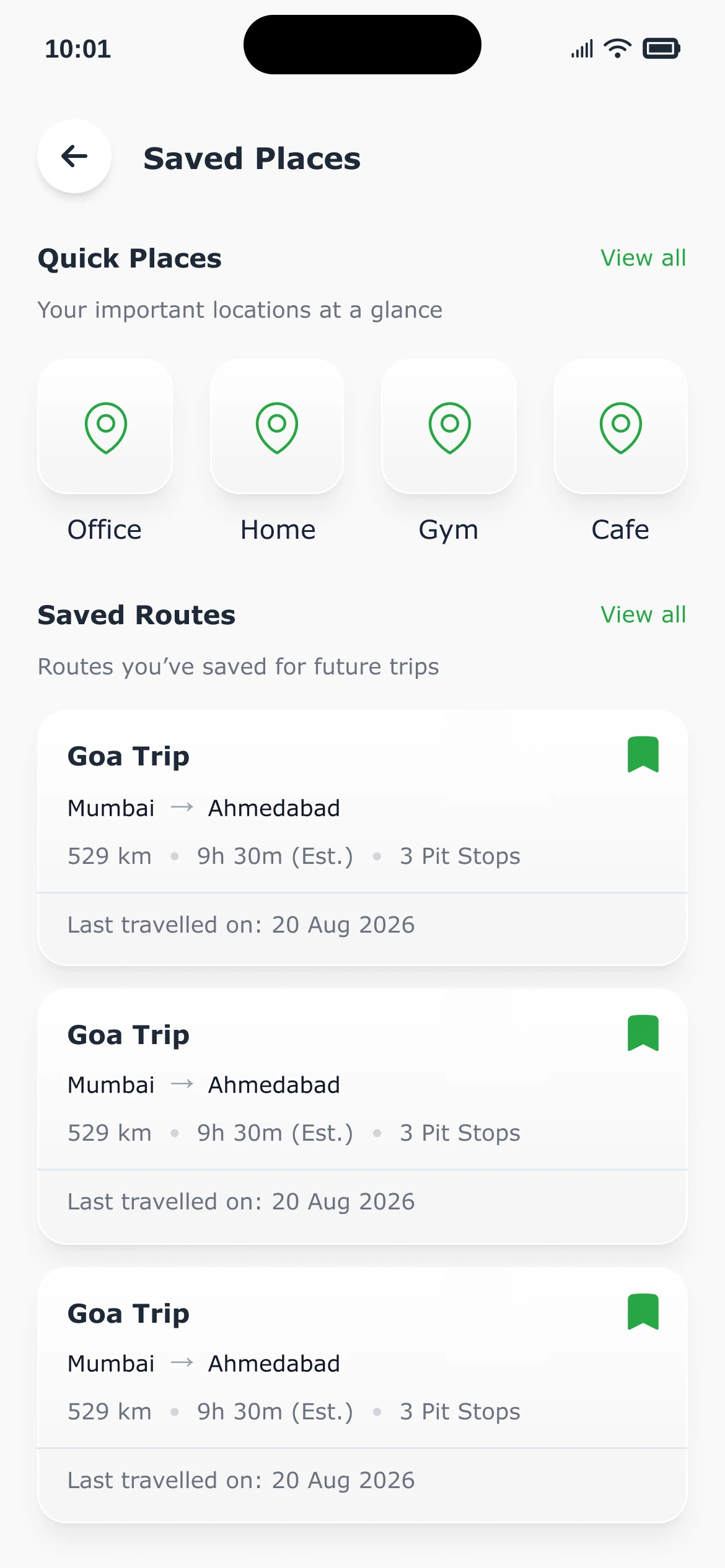
Home, office, the gym, your favourite cafe and the routes you love, ready for next time.
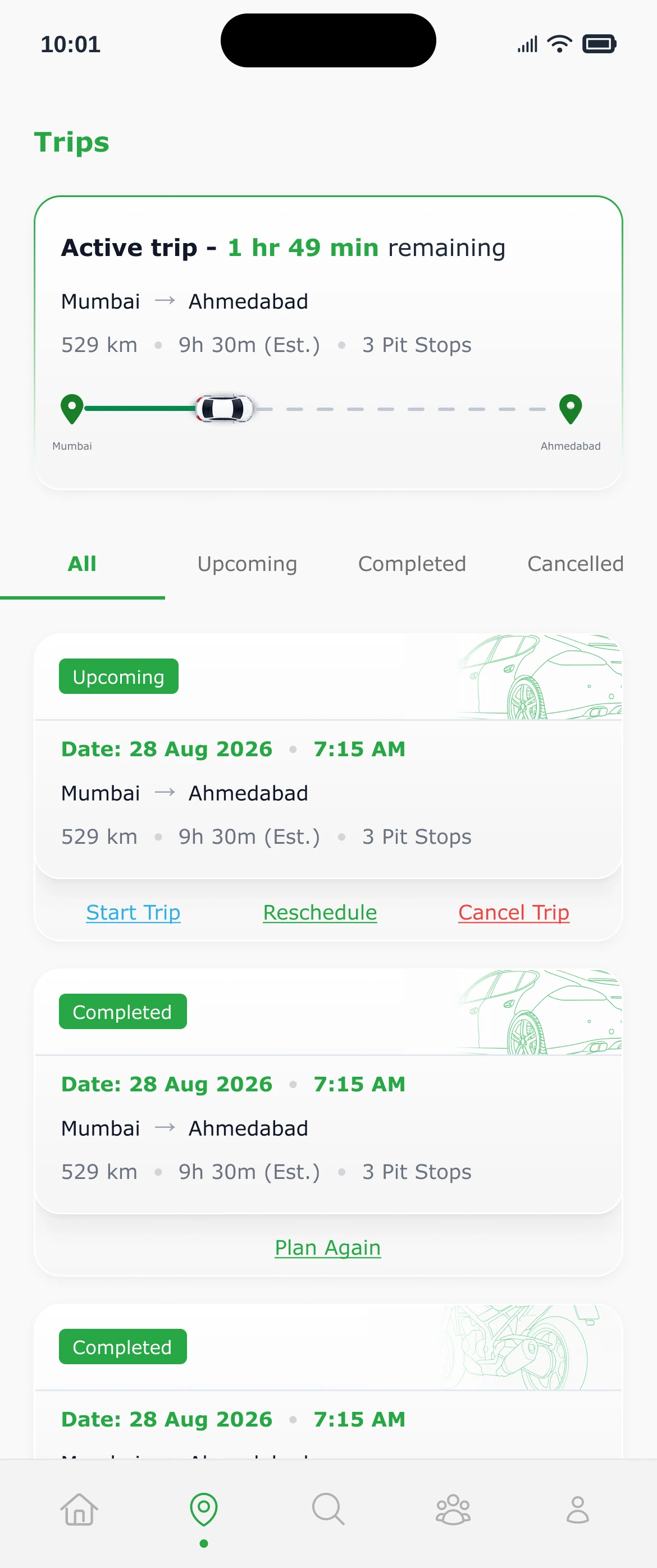
See your upcoming, completed and cancelled trips. Reschedule or cancel one, or plan a finished trip again.
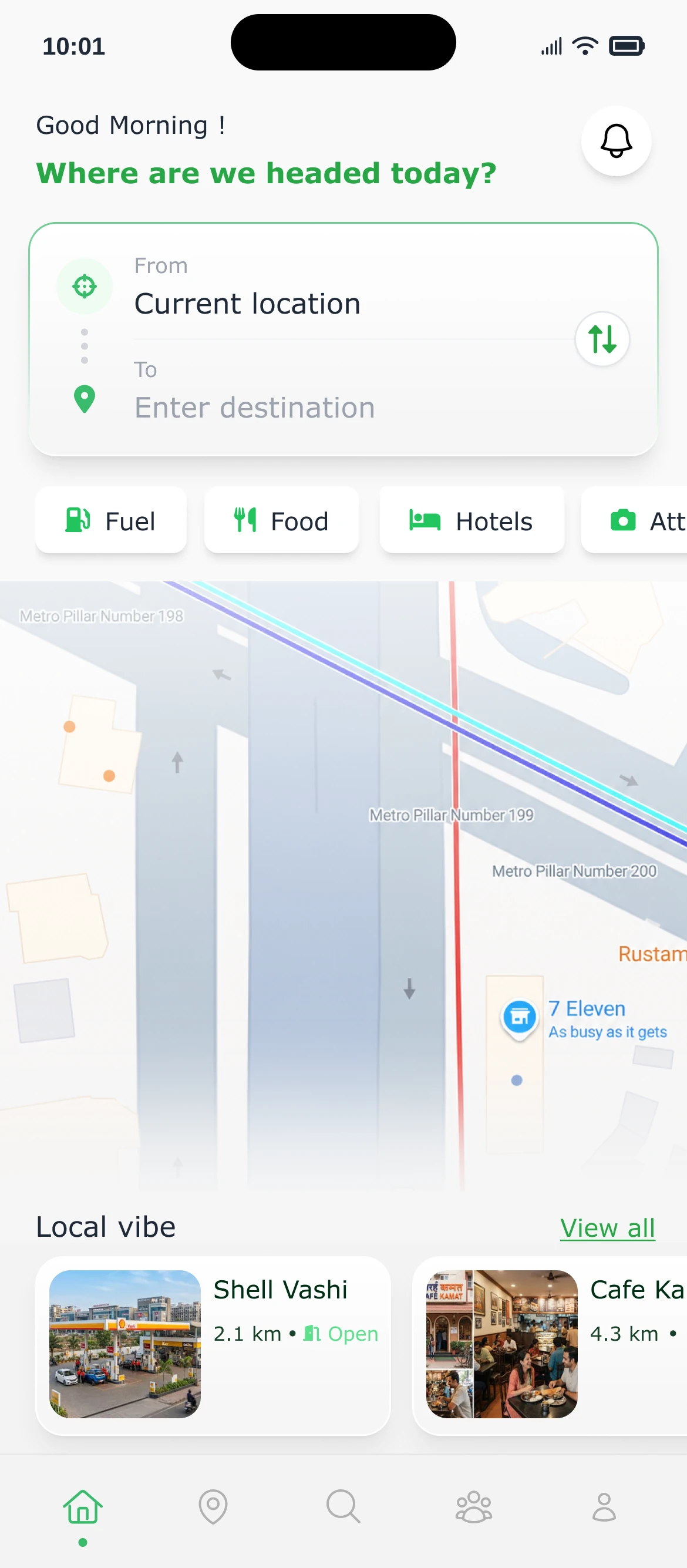
Not on a trip? See what's around you.
Cars and bikes, running on petrol, diesel, CNG or electric.
It looks at your route, your vehicle, who is travelling and what matters to you, then suggests stops that fit your trip.
Yes. You choose how long you like to drive before a break, and it suggests a break stop with places to rest: restrooms, parking, seating and tea or coffee.
Yes. Preview the route, save it, and schedule the trip with a recommended start time.
Yes. You can edit the route, stops and preferences, reschedule or cancel an upcoming trip, or plan a finished trip again.
Yes. Sign up and verify with a one-time code, or continue with Google or Apple.
Questions, feedback, or a stop we should know about? Send us a note and we'll get back to you.
Download Pitstop Pro: Road Trip Planner and make the journey part of the trip.